Director Configuration
Go to Administration in the Top Menu > Directors
Highlight the Director entry in the Device list and click Edit. This will take you to the device page to manage the selected instance. Optionally you can also click the hyperlinked name you gave the Director instance.
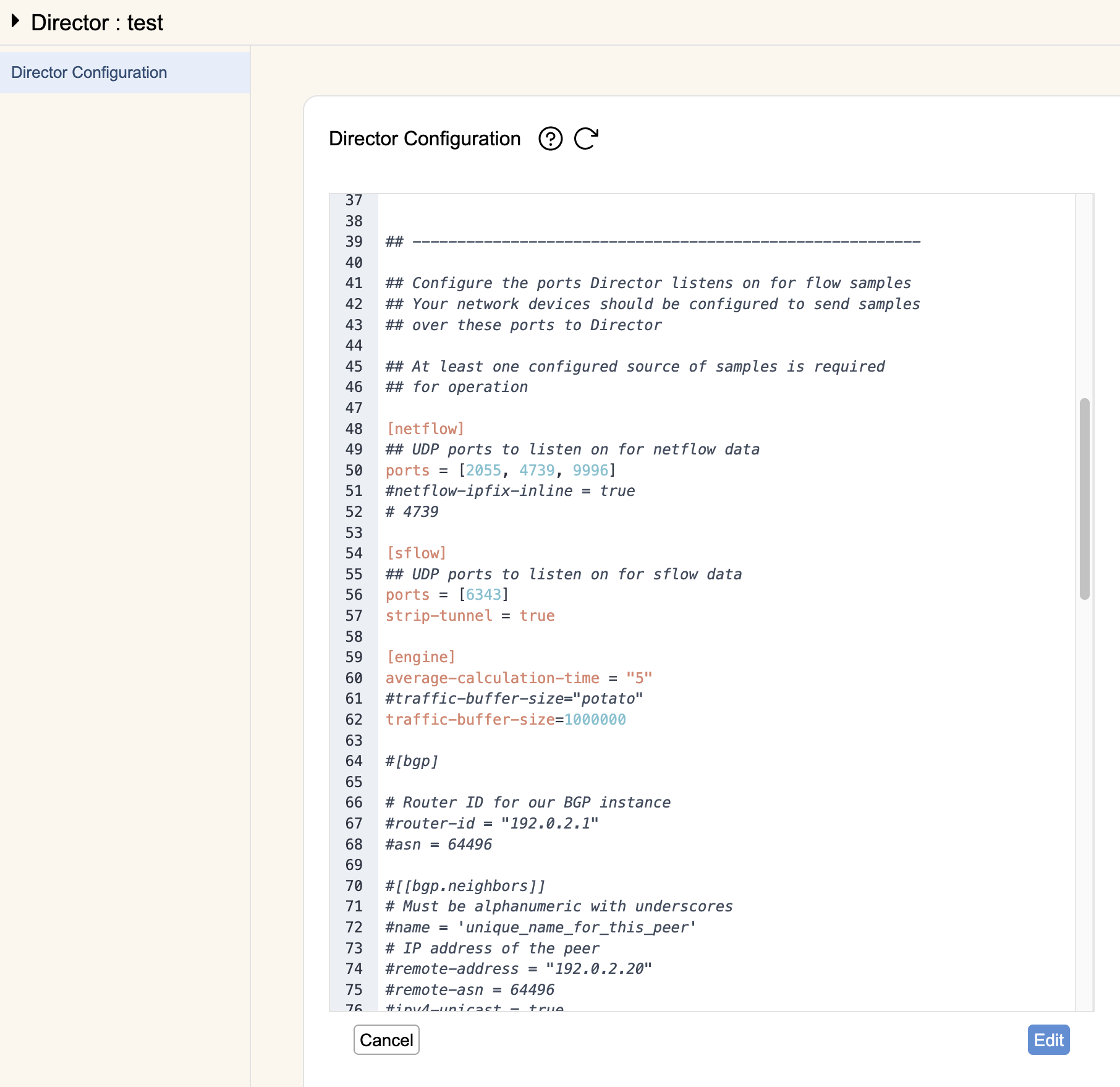
By default this will show the current saved main configuration for that Director instance. You can edit that configuration from rWeb directly by hitting Edit and then updating the TOML file with your changes, hitting Save when you're done. The Director instance will attempt to validate your changes, reverting if you've made any misconfigurations.
This functionality is a convenience to edit Director config without needing to log into the Director instance. If another user is logged in and making changes directly, you may step on each other's changes if editing configuration at the same time from rWeb.