rWeb Support
This section contains tools and utilities to help RioRey diagnose and fix issues with rWeb.
In general, users are encouraged to set up the maintenance user ahead of time in case the Web UI is no longer responsive, though this can still be enabled using maintenance_override via the serial console.
rWeb Support Upload
Click Generate File to create a batch of diagnostic log files. If checked, the Upload To Riorey option will immediately try to upload the zipped log files (once the support upload is generated) to RioRey at supportupload.riorey.com over TCP port 8226.
All previously generated rWeb Support Files will be listed here. You can see the size of the files, when they were generated, their current status, and when they were uploaded to support (if ever).
For each support upload, you can Delete it to remove the file, Upload it to RioRey's support servers, or Download the file to your local computer.
Maintenance User
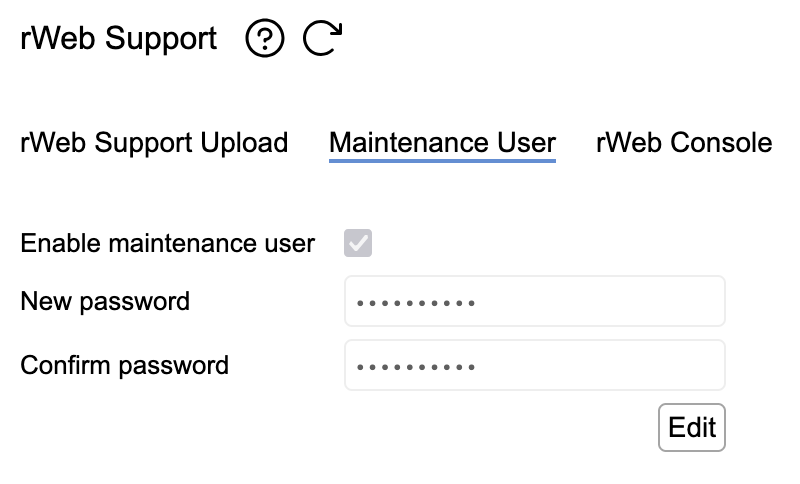
By default, rWeb will not allow remote access through ssh. Selecting Enable maintenance user enables a user that can log into rWeb via ssh using 'maintenance' as the user and the password set in this section. There is a second factor of authentication that will be presented requiring input from RioRey Support.
This option should be enabled if the RioRey Support team needs access to rWeb's shell and the password stored securely in case the rWeb GUI becomes unavailable. An alternative method to temporarily override this setting is available over the serial console.
rWeb Console
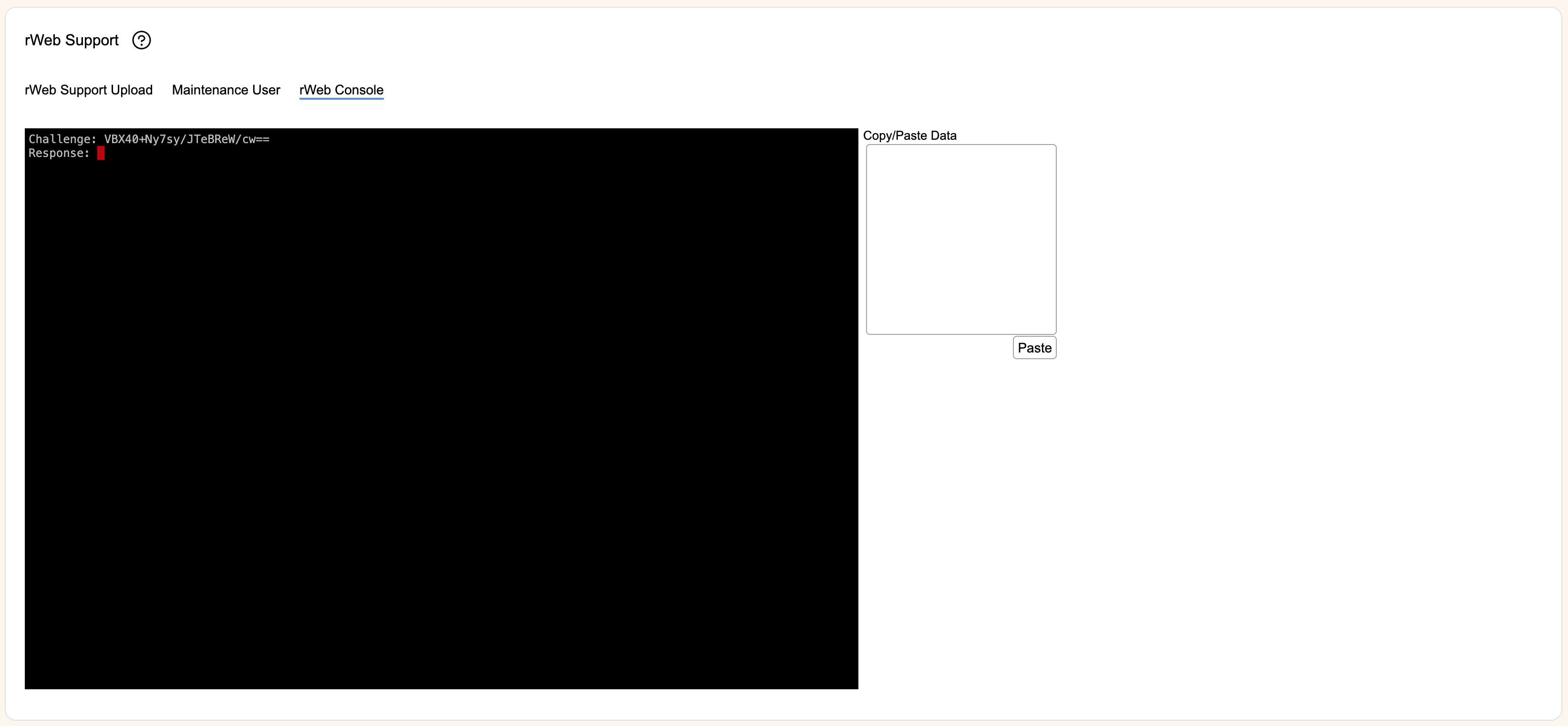
This section provides the Riorey support team with access to the rWeb backend. RioRey support may request access to this page for advanced troubleshooting or maintenance actions.