rWeb Status
This tab displays information about the currents status of several rWeb components.
System Information
This section shows the current Uptime of the rWeb server and which NTP Server it is currently using for time data.
Cluster Status
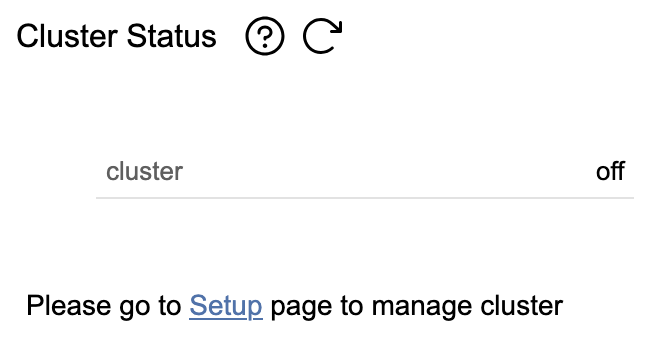
This section shows you the current cluster status for this rWeb.
Server Log
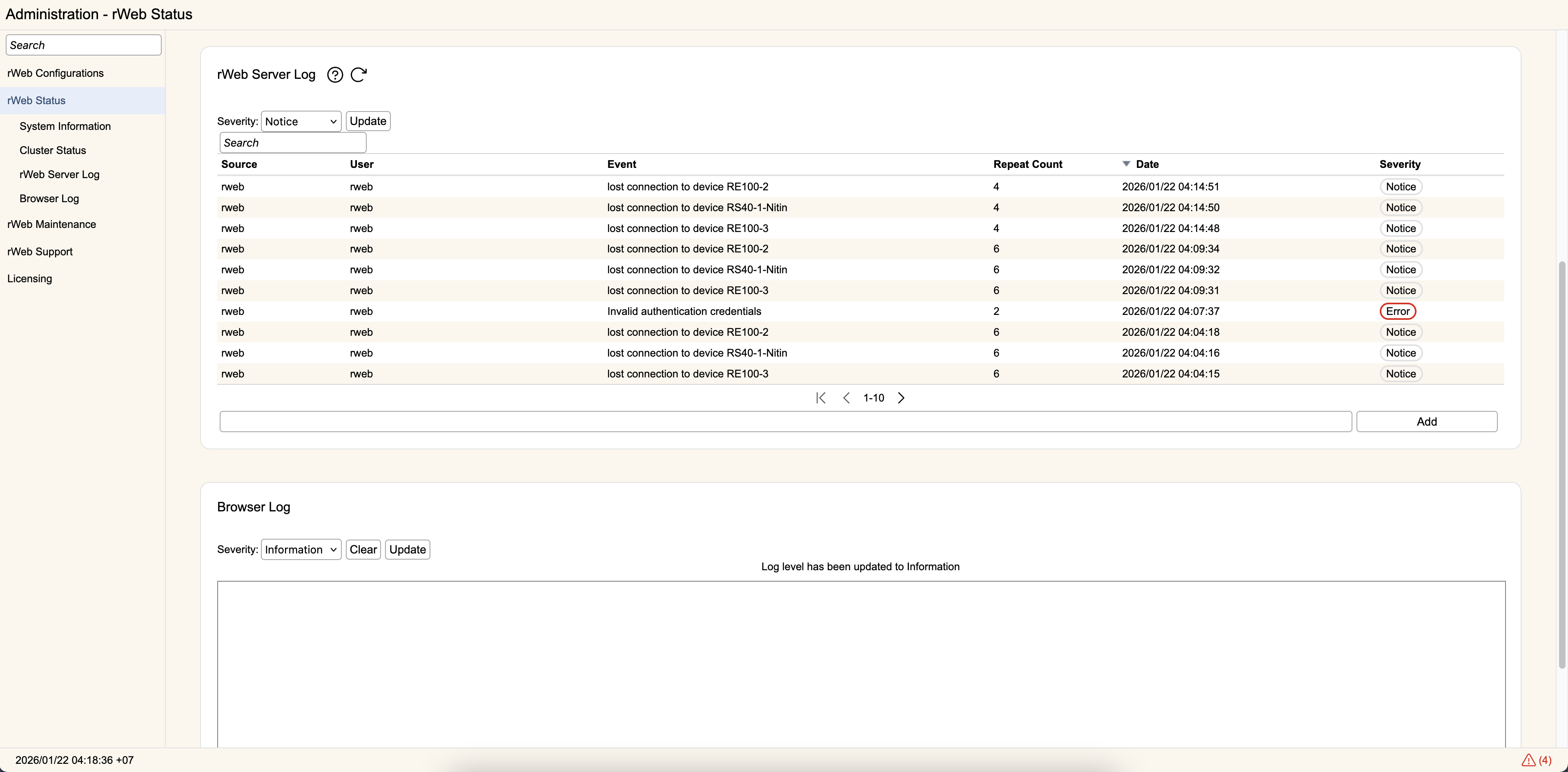
This section provides access to a simplified view of rWeb logs.
Browser Log
This section provides access to a log of the messages generated during your current browsing session.
Hardware
Physical rWebs will monitor the disk drives using SMART tools and a variety of other checks.
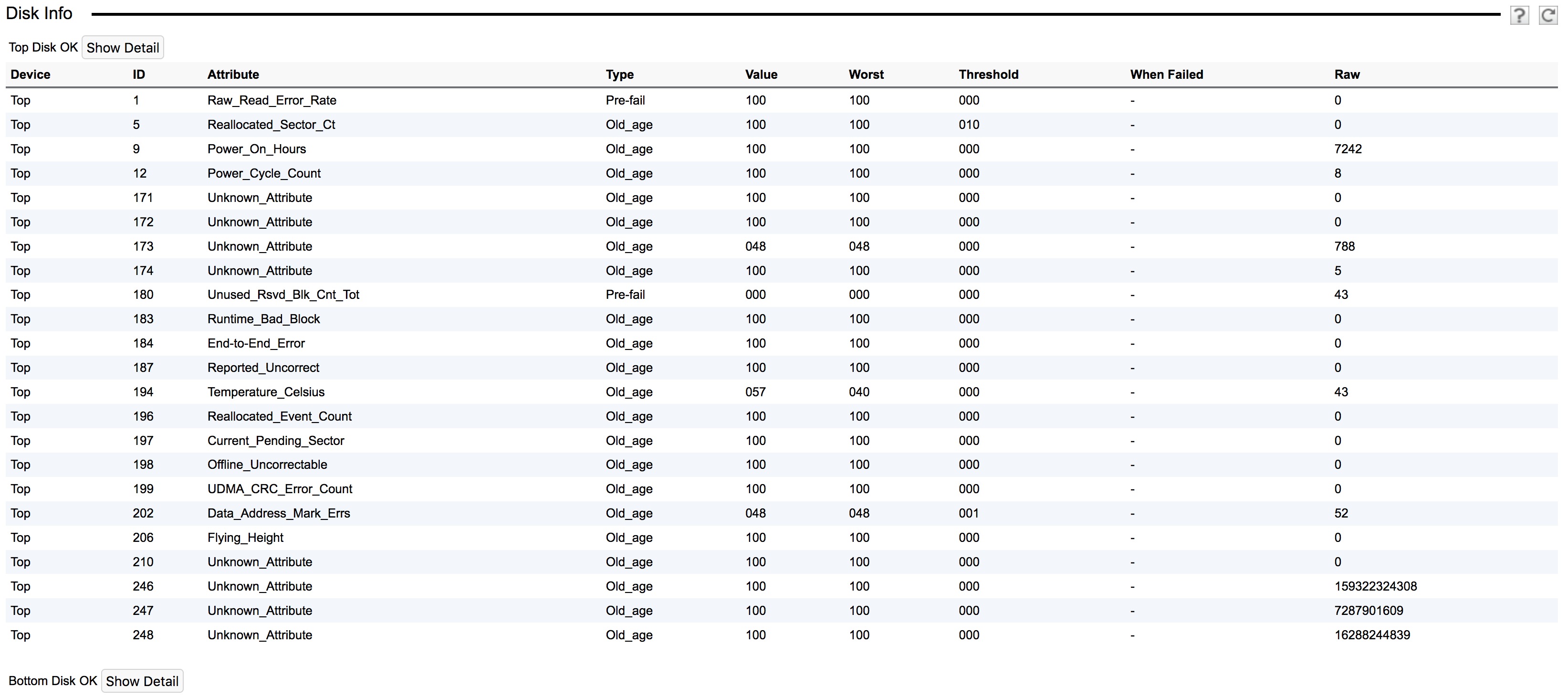
Clicking the Show Detail button will open or close a table showing the results of the latest smartctl test. rWeb will run daily 'short' and 'offline' tests, and a 'long' test once a month.
If any tests indicate a disk is failing or about to fail, an appropriate alert will be generated. In that case, please contact Support for help on replacing the failing/failed disk.
If you are doing a disk replacement, the full procedure is here.