RIOS Support Upload
This tab allows you to generate a batch of log files used for diagnosing issues with a RIOS device. You can download the files directly or upload them to RioRey's Support server.
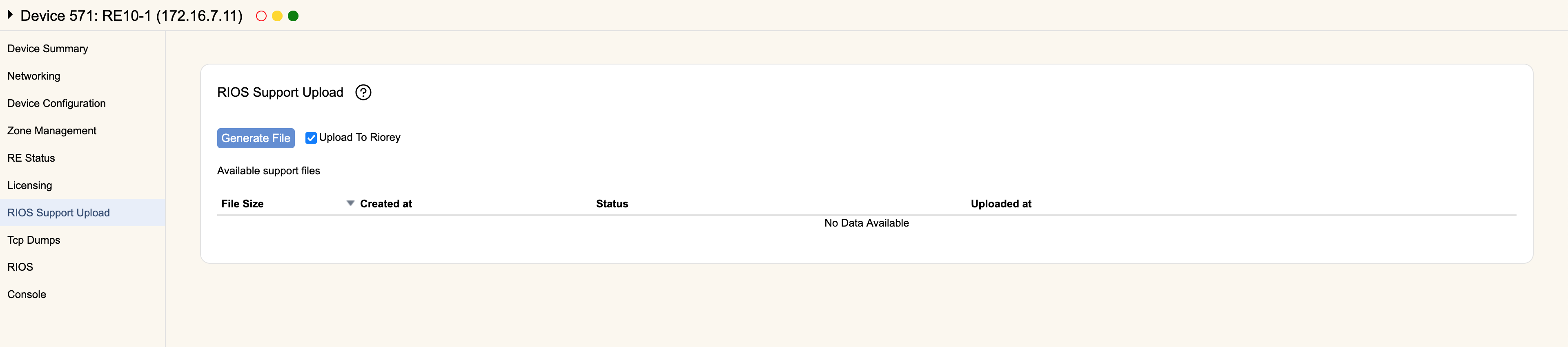
Click Generate File to create a batch of diagnostic log files. If checked, the Upload To Riorey option will immediately try to upload the zipped log files (once the support upload is generated) to RioRey at supportupload.riorey.com over TCP port 8226.
All previously generated Support Files will be listed on this screen. You can see the size of the files, when they were generated, their current status, and when they were uploaded to support (if ever).
For each support upload, you can Delete it to remove the file, Upload it to RioRey's support servers, or Download the file to your local computer.