Device Tcpdumps
The Tcp Dumps tab shows all queued or previously saved tcpdumps by filter device.
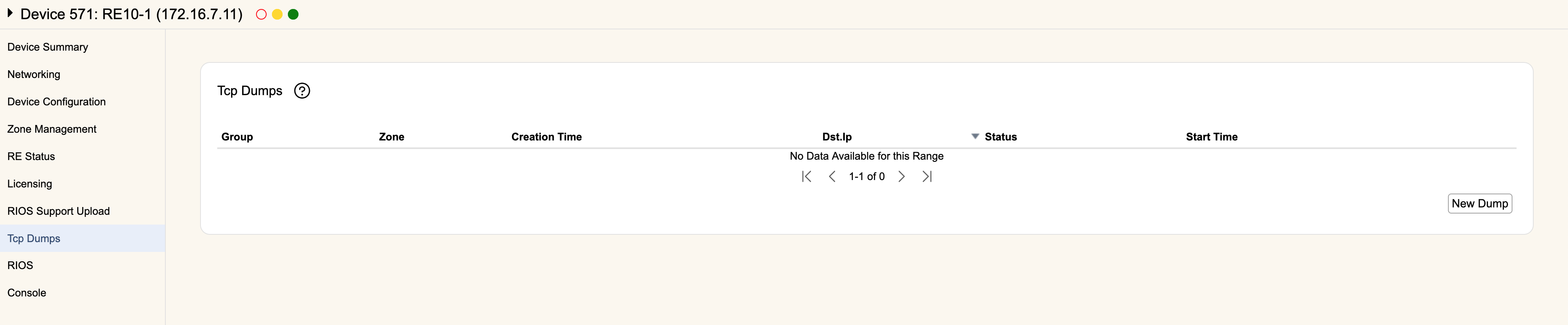
This tab will list all tcpdumps that were captured by this filter device. Each entry will show the Group Name, Zone Name, Destination IP of the packet capture, Status, and the Start Time of the capture.
You can start a new capture using New Dump, which behaves the same way as tcpdump on the Zone Mitigation tab, except you can configure the dump to run across multiple zones at once.
Captures currently running can be Stopped on this tab, and completed dumps can be saved locally by hitting Download.