Administer a Device
Go to Administration in the Top Menu > Devices
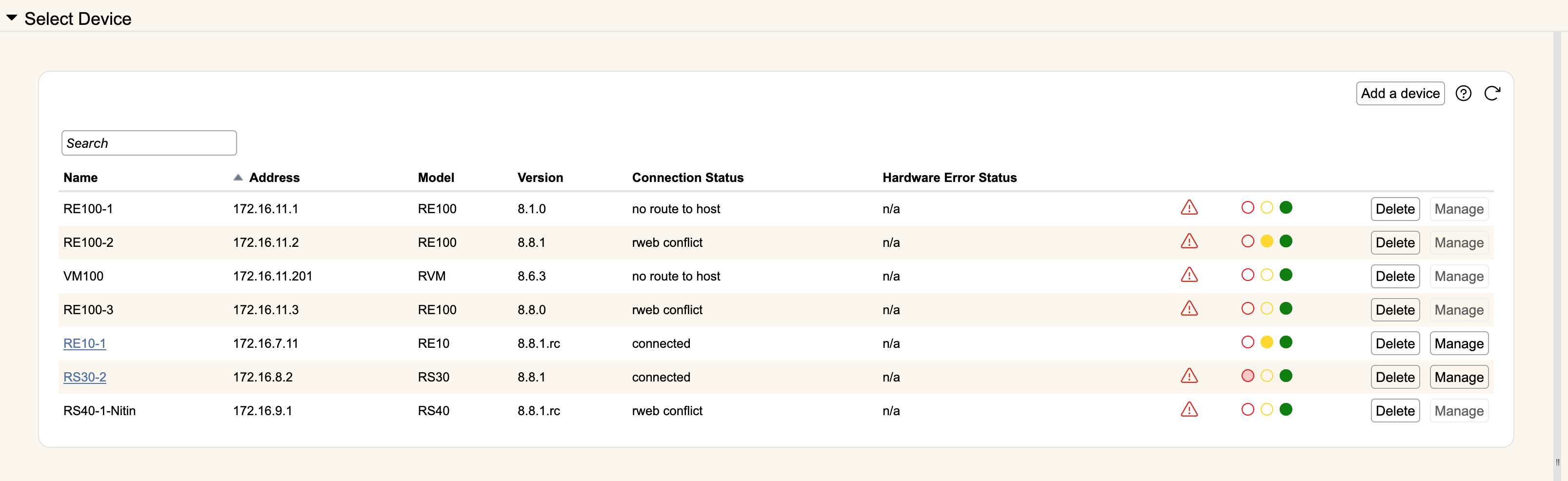
Highlight the device entry in the Device list and click Manage, or if there is a blue link, click directly on the device name. The red-yellow-green indicators map to the LED status of the device. A summary of that status will appear as hover text if you mouse over the LED graphics.
There are a number of tabs available after you select a device: