Navigation
Navbar
The top right of rWeb will have a navigation section for the main areas of rWeb. The current general location will be underlined:
rWeb Omnibar
While navigating rWeb, the header at the top left of the screen will provide context specific information about the section of rWeb you are navigating.
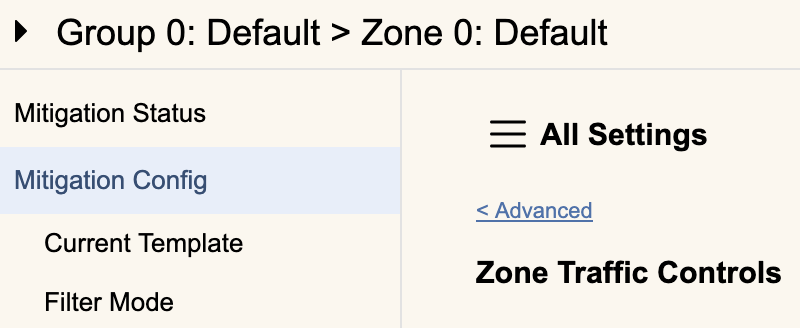
When examining any of the Group or Zone related pages, this will provide the Group ID and Group name if a Group page, or the owning Group information plus the Zone ID and Zone name if a Zone page. Clicking the omnibar while in these contexts will drop down the Zone Control selector so you can select a different Group or Zone.
In the screenshot above this is the Mitigation Config tab, so selecting a new Zone would bring us to this tab for the new zone.
When examining a device related page, this will provide the Device ID, Device name, and configured IP or hostname (in parentheses) for the currently viewed device. In this case clicking the omnibar would bring down the Device Admin section to select a new device.