Advanced Traffic Configuration
This section is for advanced configuration only. If you have not been told to use this section by customer support, be aware any changes made to this section could have unintended consequences. Some controls may store their values in this section, and still have a usable UI, in which case it is advised to use the built UI element.
The Advanced section allows you to configure key value pairs that may not have formal GUI controls established in rWeb for new or experimental versions of RIOS.
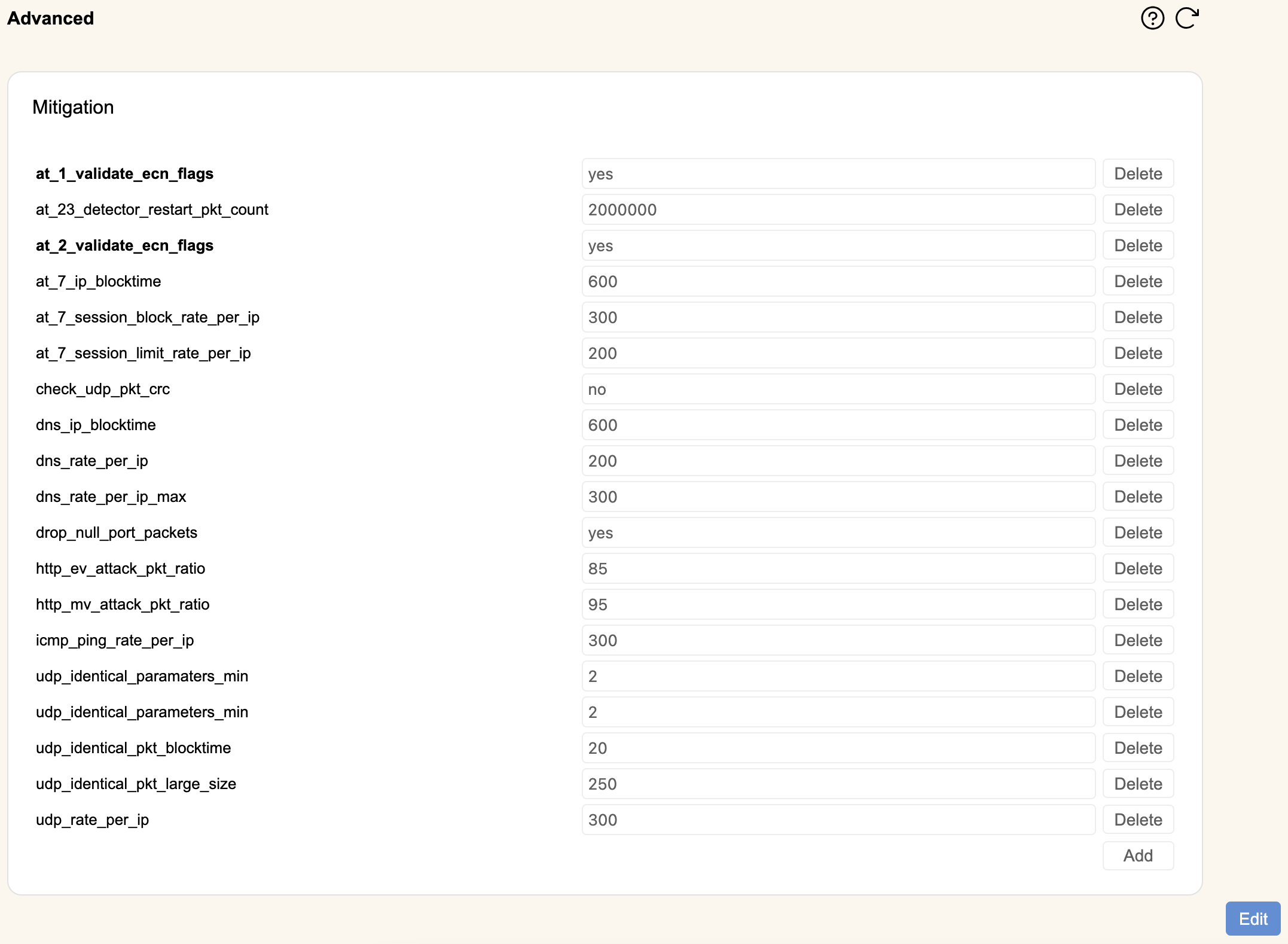
Hit Edit to enable the buttons in this section.
Clicking Add will open a new row at the bottom. Enter the key string on the left hand side and the value on the right.
You can remove rows by clicking Delete.
When finished, hit Save to make your changes permanent or Cancel to revert to your previous settings.