Top Protocol
The Top Protocol section lets you view current or historical protocol traffic within the Zone.
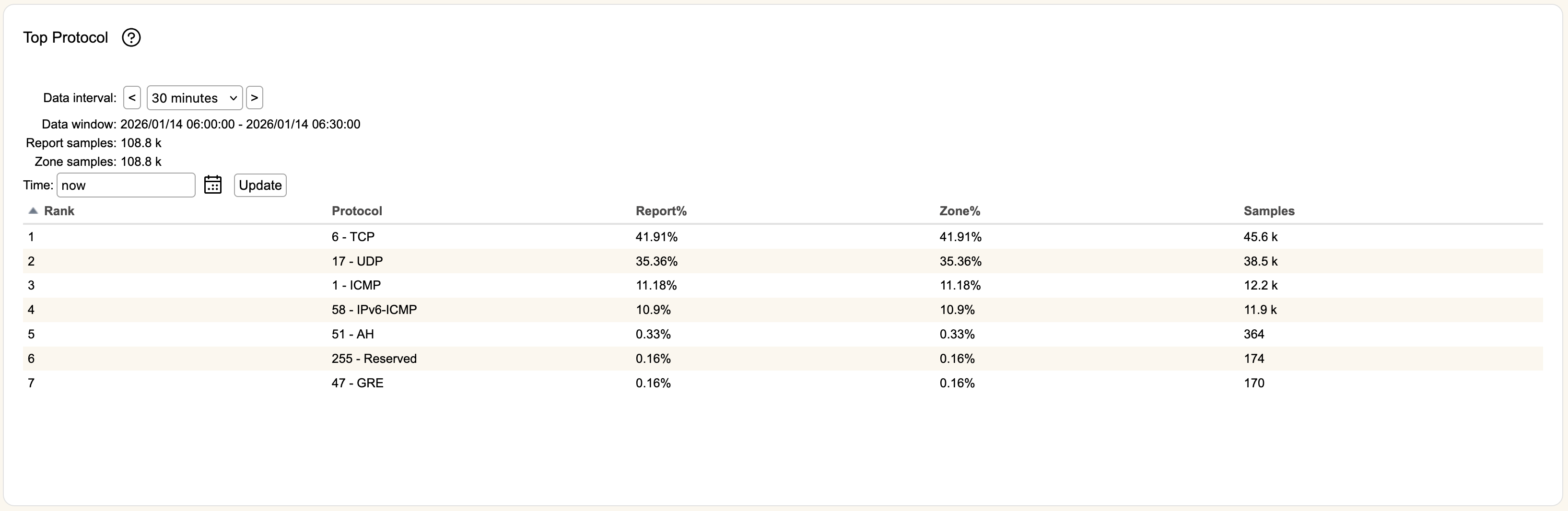
Time is the time period used to find data. You can use the icon to select a specific date and time, or you can write an entry in the format "X year/month/week/day/hour/minute ago", or use now to indicate current time. Once you've entered information, hitting Update will refresh the table.
Data interval defaults to a 30 minute sampling window, but can be changed to 5 minute or 30 second reporting. Clicking the < or > buttons will increment or decrement the window in by the selected interval (versus entering a new timestamp in Time), with its time range shown in Data window.
Rank rates the Protocol usage based on the amount of traffic during that reporting period.
Protocol will display the protocol number and description as assigned by IANA.
Report% and Zone% represents the amount of traffic represented by the Protocol within the zone.
The number of packets captured for each entry is shown in Samples.